Fast triage
Make the decision. Keep moving.
Archive, mark unread, snooze, or move a message without losing the thread in front of you.
Keyboard actions advance naturally to the next decision.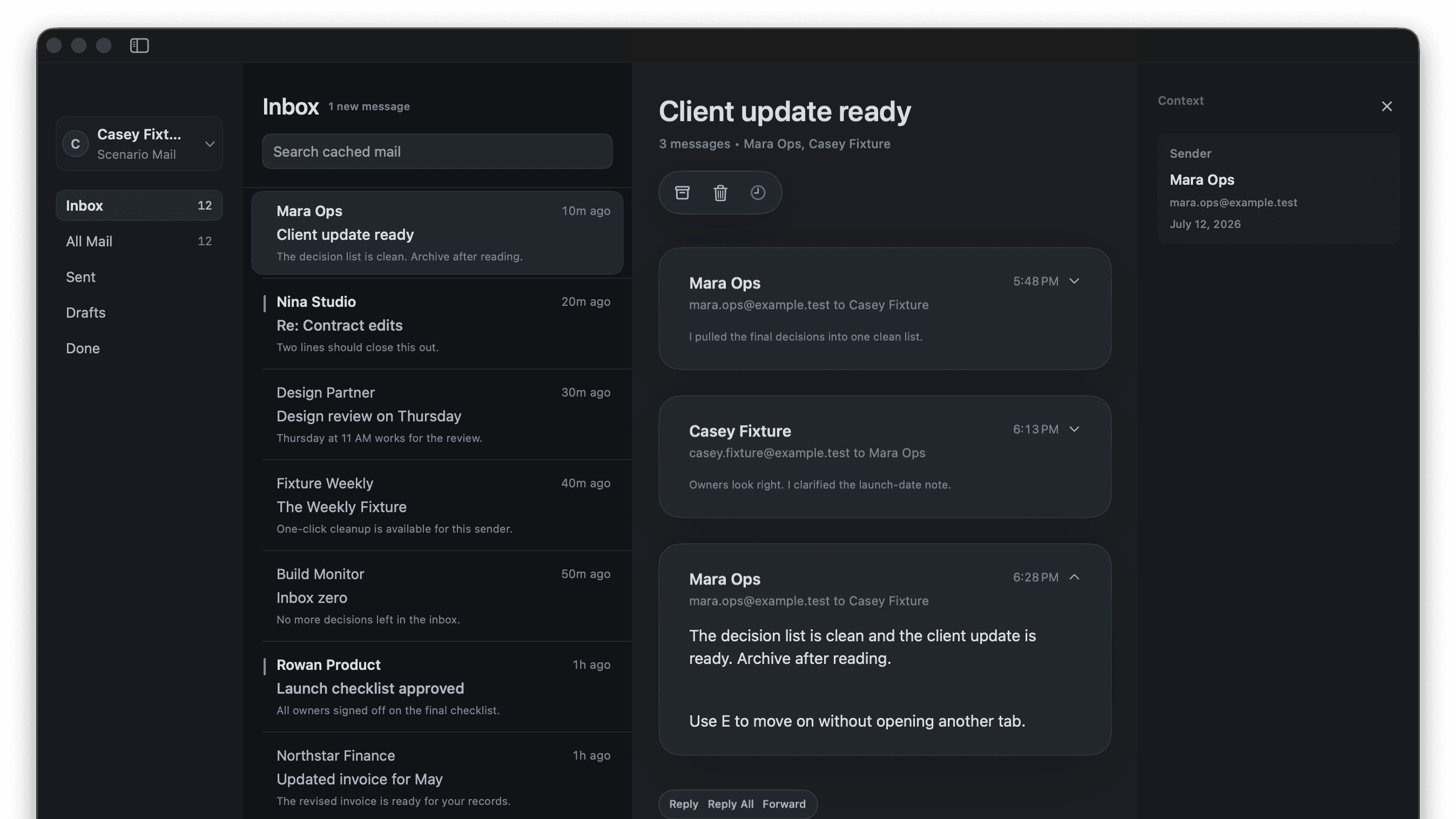
 cmd mailBeta
A native Mac inbox built to move through email at full speed—without turning your day into a dashboard.
Apple silicon · macOS 15 or newer · Gmail and iCloud Mail
Every Mail scene draws directly from deterministic fixture captures, staged to make the workflow easier to understand.
Archive, mark unread, snooze, or move a message without losing the thread in front of you.
Keyboard actions advance naturally to the next decision.Open the command palette from anywhere in Mail and find the action that fits the current message.
Contextual commands stay close without crowding the inbox.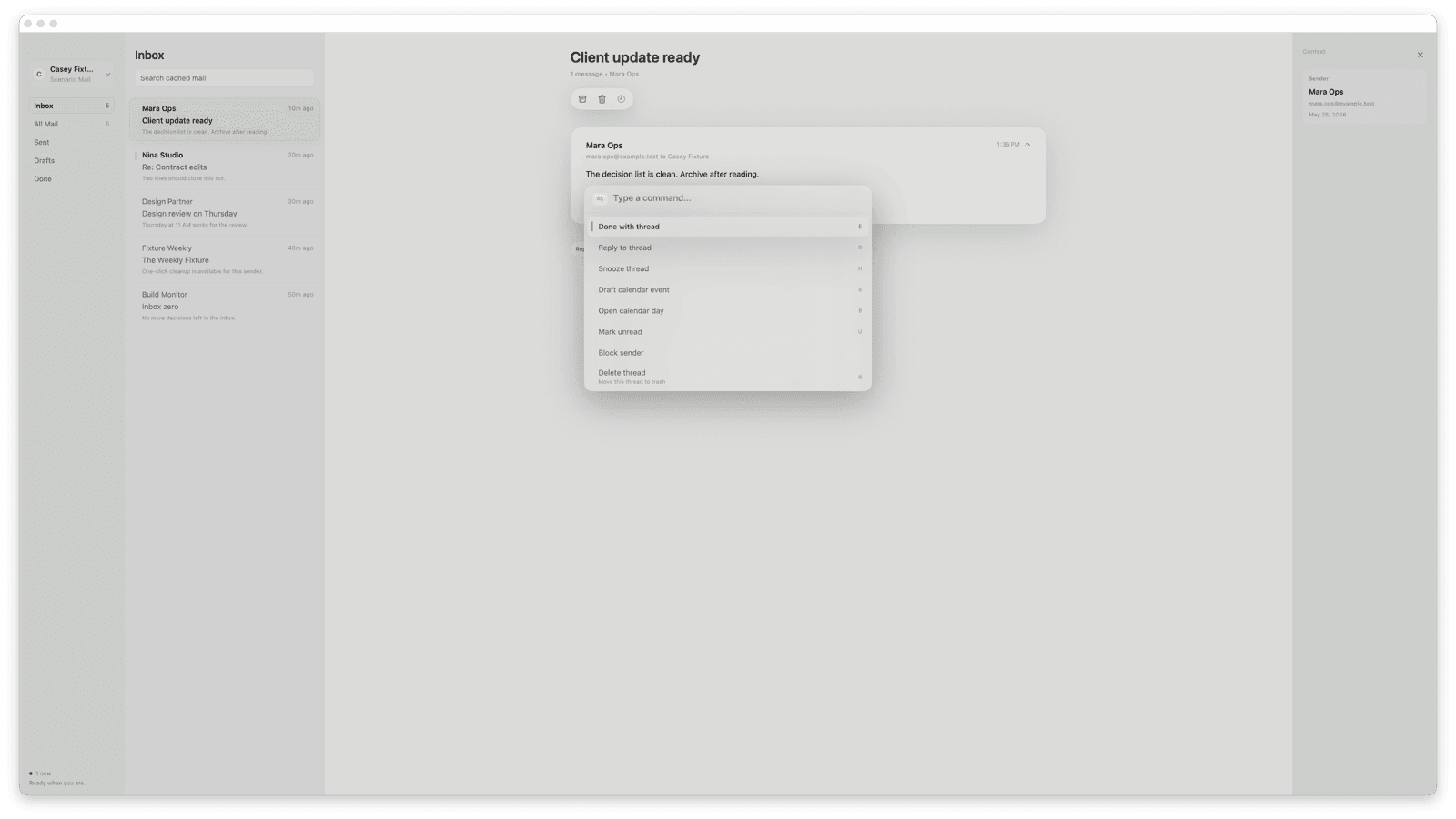
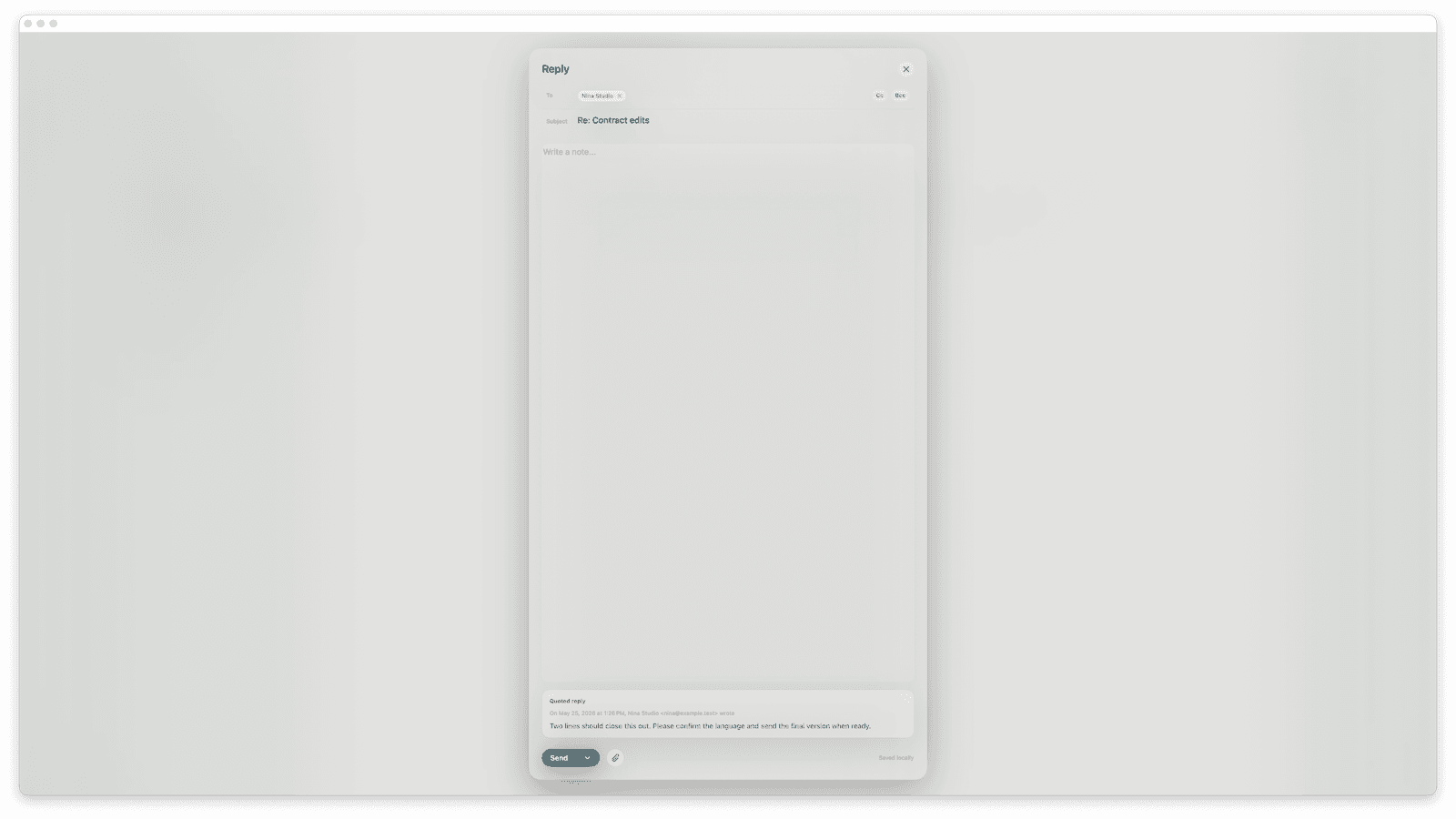
Write a focused reply or draft a calendar moment with the message context still visible.
No browser tab choreography. No invented workflow.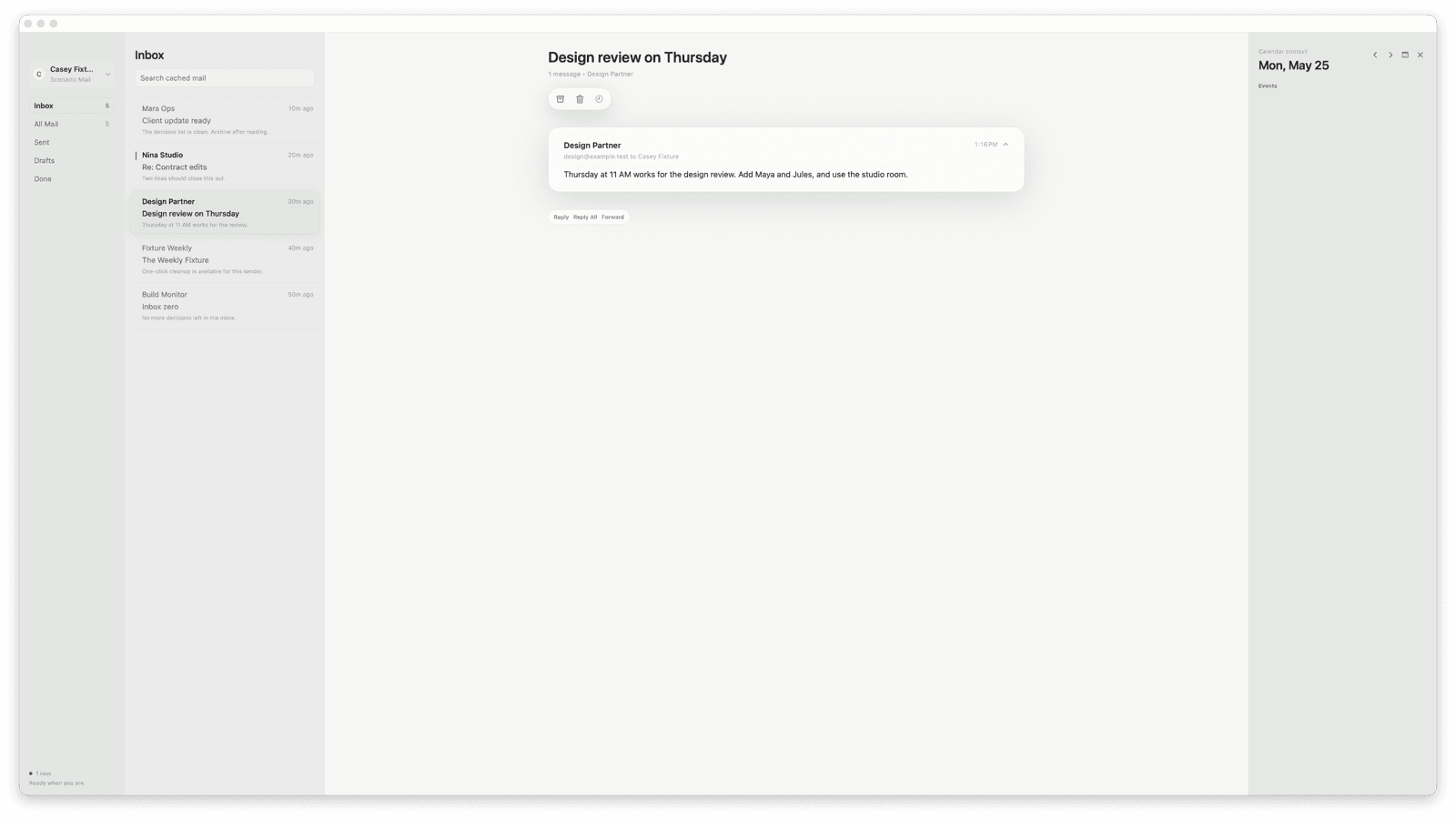
CMD is a growing family of focused, native Mac tools. Each one is built to appear when useful and disappear when the work resumes.
 cmd mailBeta macOS app for Gmail and iCloud MailBeta
 cmd voiceAlpha native dictation previewAlpha
 cmd barNative command layer conceptComing soon
 Alpha
AlphaA compact native HUD records, transcribes locally, and returns text to the app already in focus.
Explore cmd voice
 Coming soon
A focused direction for launching apps, finding snippets, and reaching local Mac actions.
Explore cmd barThe product family shares a small set of principles rather than a layer of decorative chrome.
Every surface rewards flow instead of asking you to manage another window.
CMD tools are built to feel at home on Mac, with familiar hierarchy and behavior.
Tools appear when they help, communicate state clearly, and then get out of the way.